
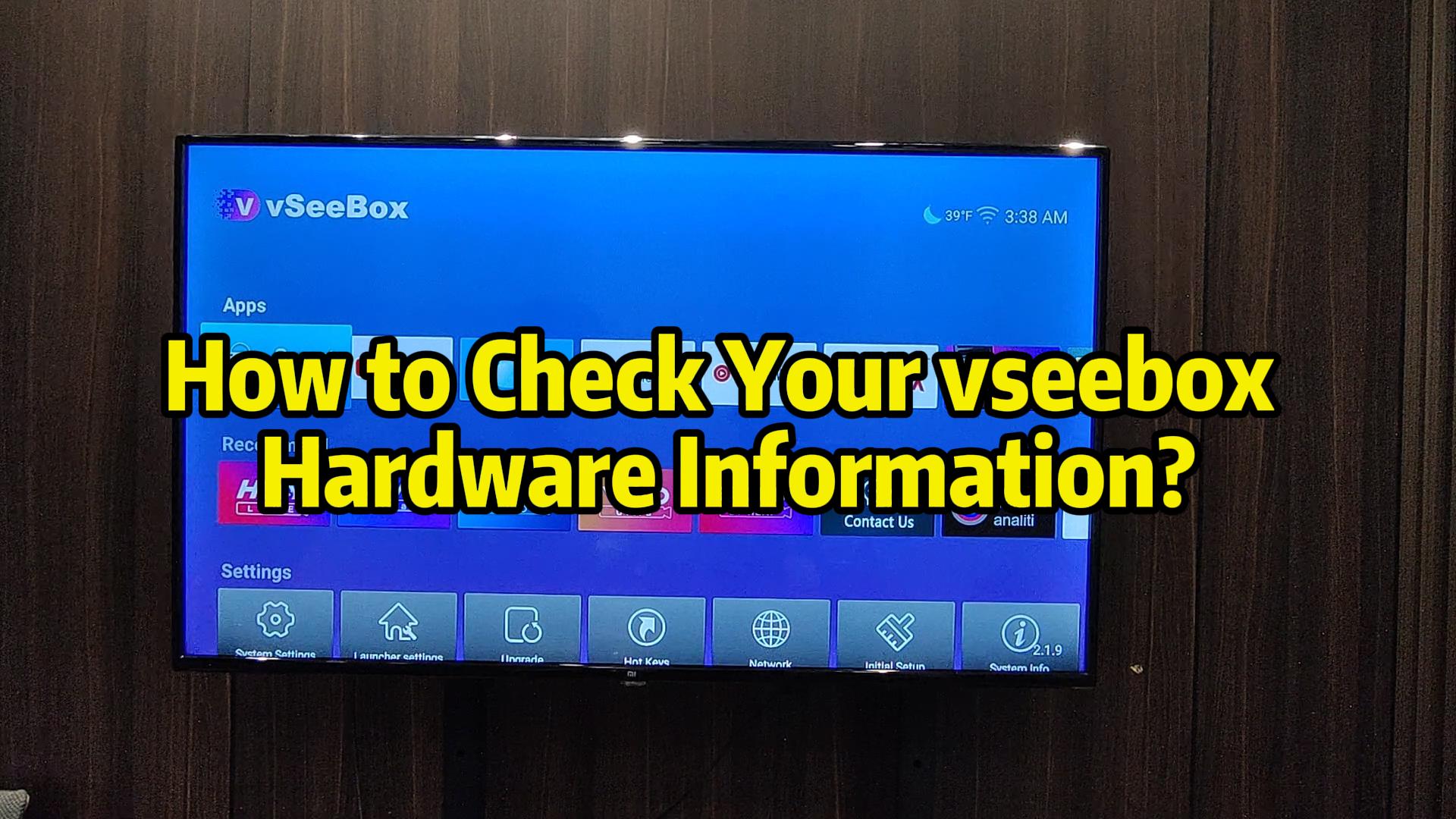
This video will teach you to quickly view your vSeeBox device hardware information. Here you can view the latest firmware for your device, as well as basic information. Please follow this video if you need to do so!
Viewing the box's hardware information is a two-step process:
All you have to do is find the “Settings” button, click on “Device Performance” and select “About”.
Inside is all the hardware information of the box.
(Please watch the video for details)
If you still have questions during the operation, please feel free to contact our 24-hour online customer service for assistance!